Camera and video import
Capture directly in GlitchFX or start from an existing camera roll video.
 GlitchFX
App Store
GlitchFX
App Store
iPhone video effects editor
A fast visual engine for VHS looks, RGB split edits, chromatic glitch effects, cinematic filters, music, and social video exports.
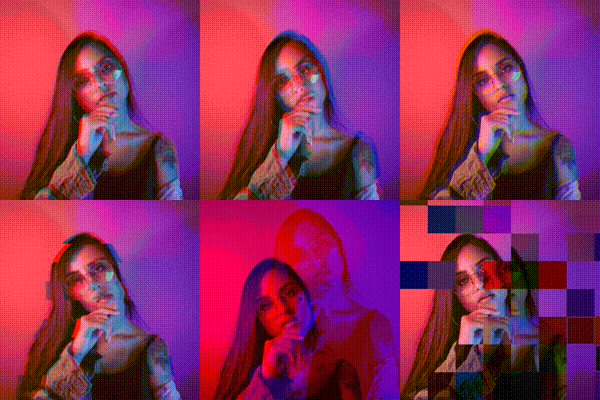
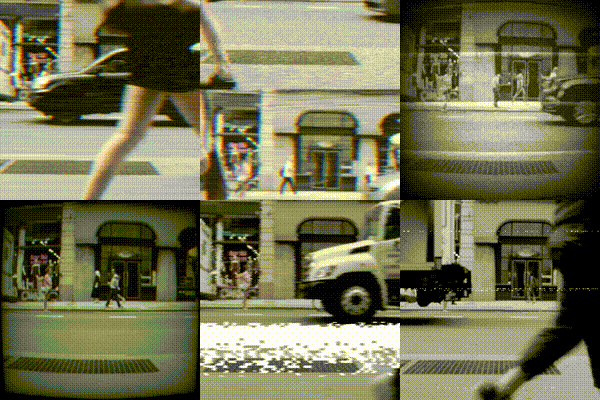
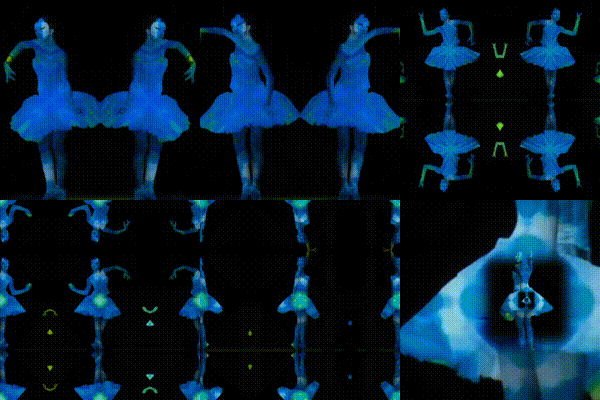
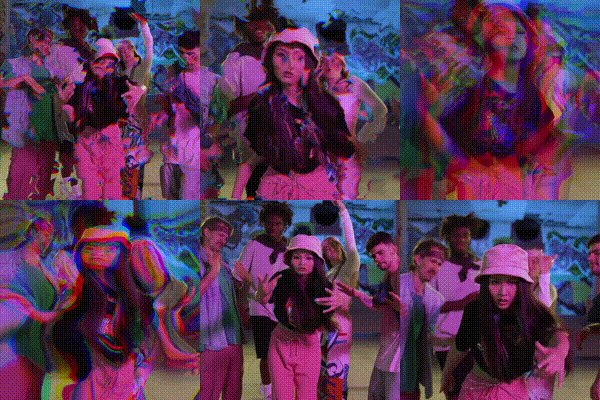
Glitch video effects
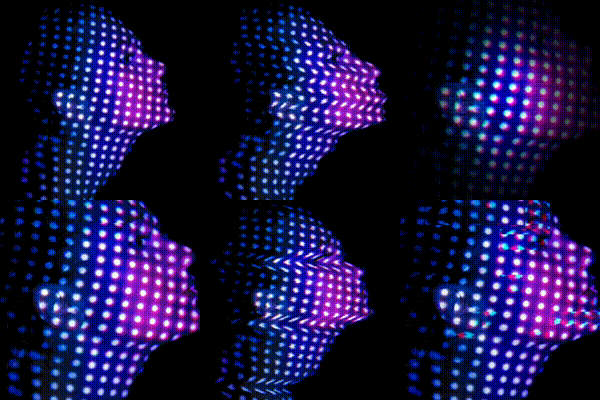
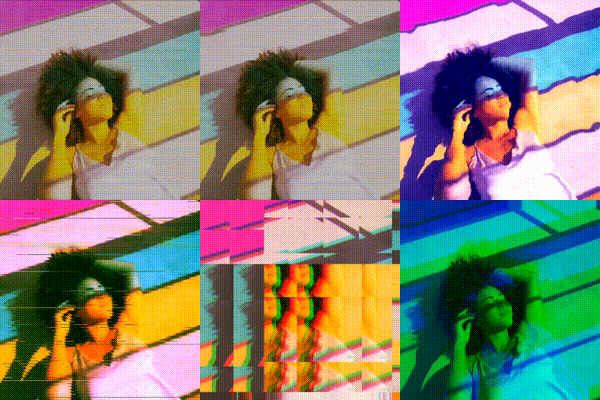
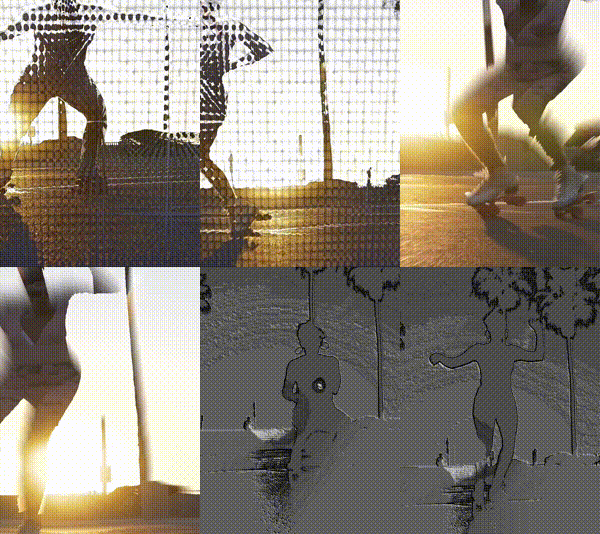
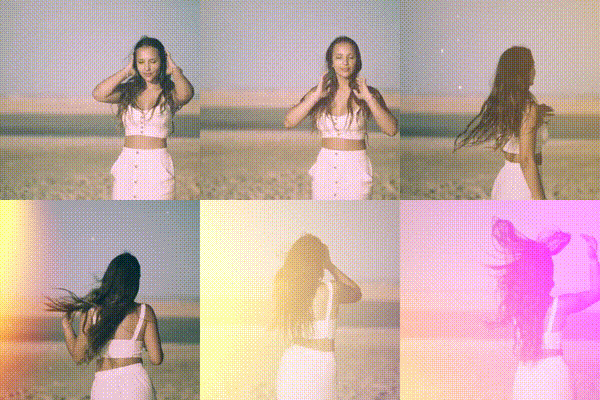
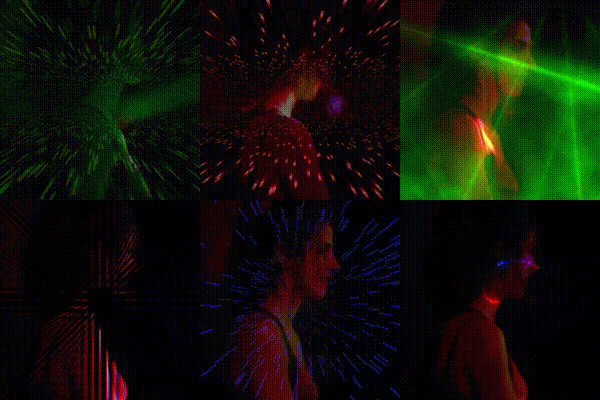
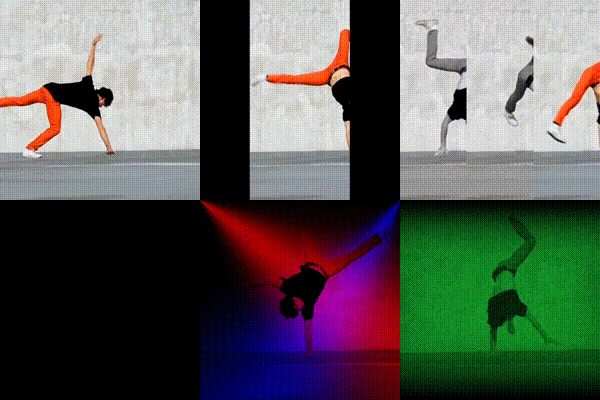
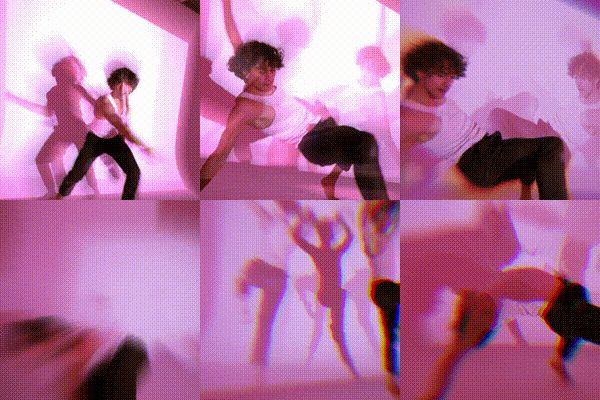
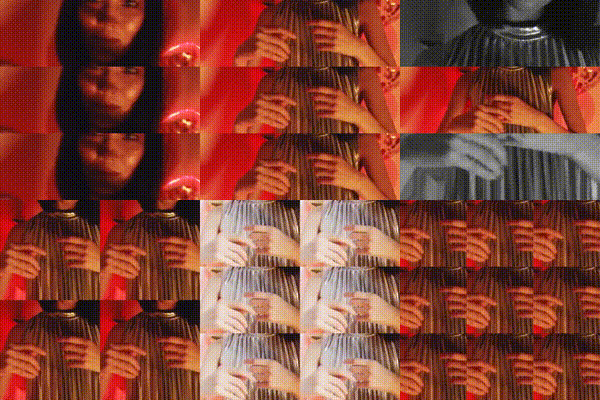
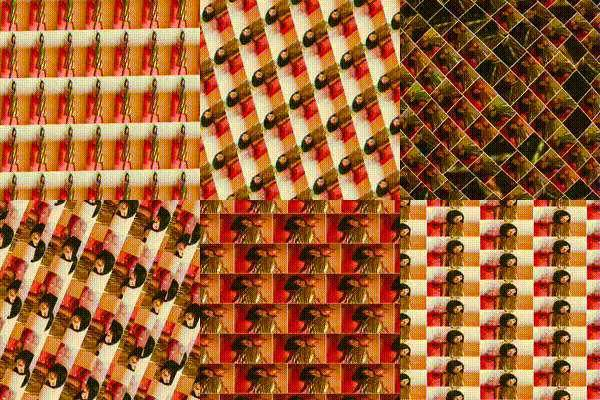
GlitchFX turns camera clips and imported videos into stylized edits with analog distortion, VHS texture, RGB channel separation, film filters, light leaks, mirrors, split effects, and music.
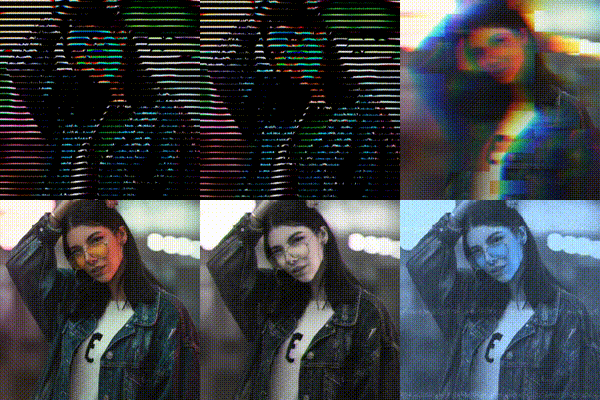
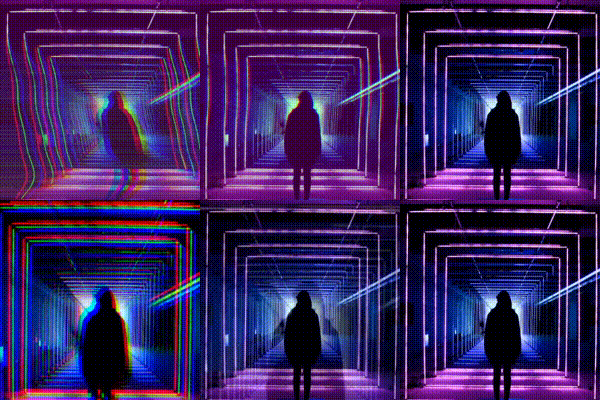
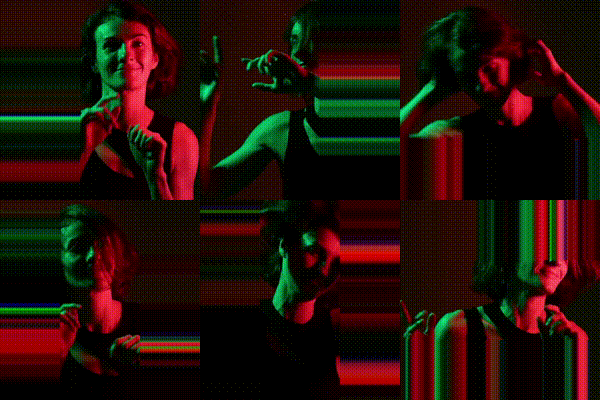



Creator workflow
Open the camera, pull a video from your library, choose an effect family, adjust the look, add music, and export a post-ready clip.
Capture directly in GlitchFX or start from an existing camera roll video.
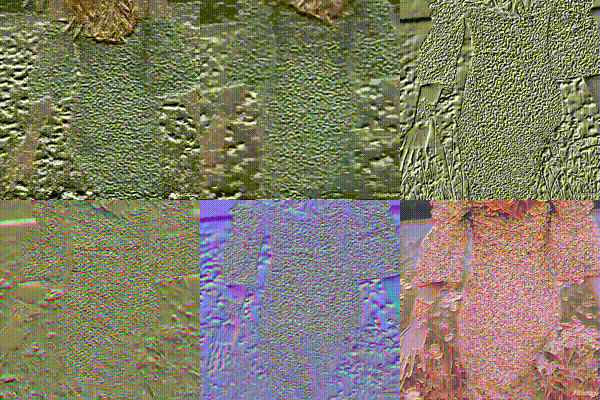
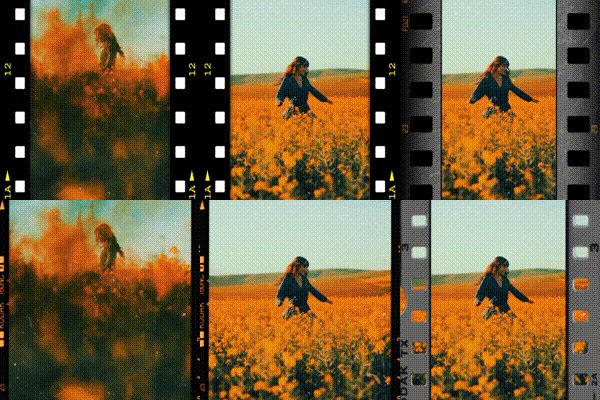
Explore glitch, VHS, mirror, split, light leak, frame, flow, clamp, and RGB-style looks.
Layer visual filters with audio tools to finish short-form videos inside one app.
Unlock expanded effect packs and premium looks when you need a wider editing palette.
Effects people search for
Use GlitchFX when you are looking for an iPhone app for VHS video filters, RGB split video effects, chromatic aberration edits, analog TV distortion, mirror video effects, light leaks, retro camera filters, and music-backed social video exports.
Download
GlitchFX is available for iPhone on the App Store. For support, feedback, or partnership questions, contact the team by email.
FAQ
GlitchFX is an iPhone video effects editor for glitch, VHS, RGB split, filters, music, and fast social video exports.
Yes. GlitchFX supports imported videos from the camera roll as well as camera capture inside the app.
The app includes glitch effect families, VHS looks, RGB and chromatic styles, distortion, mirror effects, split effects, light leaks, frame looks, filters, and music tools.
GlitchFX is available on the App Store at apps.apple.com/app/id1360624861.